
Getting started
How to start an online store: from idea to first order
Plan your offer, prepare your products and test a purchase. A practical sequence for launching an online store without unnecessary complexity.
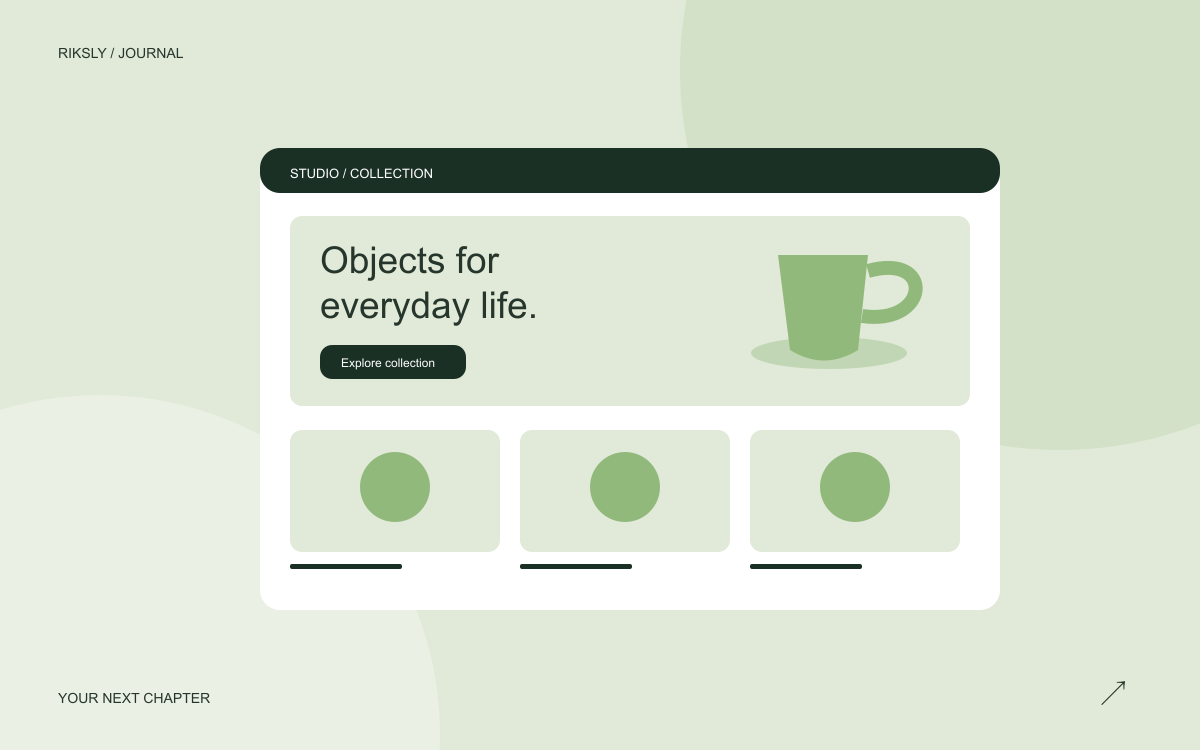
Your first online store does not need hundreds of products. It needs a clear offer and a working purchase journey. Start with a small collection you can describe, pack and deliver reliably. A focused launch makes problems easier to spot before traffic grows.
1. Define a customer and a reason to buy
Write down who the products help and what makes the offer useful. For a ceramics studio, that could be handmade gift mugs with ready-to-give packaging. This gives you a direction for photography, categories and product information. A vague claim such as “quality for everyone” does not guide these decisions.
2. Prepare a complete product collection
For each initial product, collect its name, price, availability, variants, dimensions, materials and photographs. Include limitations: care instructions, separately sold accessories and the real preparation time. A customer should know exactly what will arrive in the parcel.
3. Map the shopping journey
Connect the home page, category pages, product pages, cart and checkout. Add accessible contact and delivery information. Give the home page one clear next action, such as “Explore the mugs”, rather than requiring visitors to read every section.
4. Test a complete purchase
- Open the store on a phone without an administrator session.
- Select a variant and change the quantity.
- Check delivery availability and the final total.
- Use the payment provider's test environment for successful and interrupted payments.
- Match the order status and confirmation to the test transaction.
A success screen alone does not prove that payment was recorded correctly.
5. Improve the store using customer questions
If several people ask about a mug's capacity, move that detail close to the price. Fix obstacles to purchasing before adding more decorative sections. Review the RIKSLY plans for current scope and pricing when budgeting your launch.