RIKSLYPower By RIKSLY
Nano AIPricingDomainsContact
Mail
RIKSLYPower By RIKSLY

RIKSLY

  • About
  • Careers
  • Investors
  • Press and media
  • Partners
  • Affiliate partners
  • Legal
  • Service status

Support

  • Merchant support
  • RIKSLY Help Center
  • Hire a partner
  • RIKSLY Academy

Developers

  • docs.lymad.com
  • API documentation
  • Dev Degree

Products

  • Shop
  • RIKSLY Pay
  • RIKSLY Plus
  • RIKSLY App Store
  • RIKSLY for enterprise
Terms of serviceLegalPrivacy policyManage cookiesSitemap

Build shop pages by talking to AI

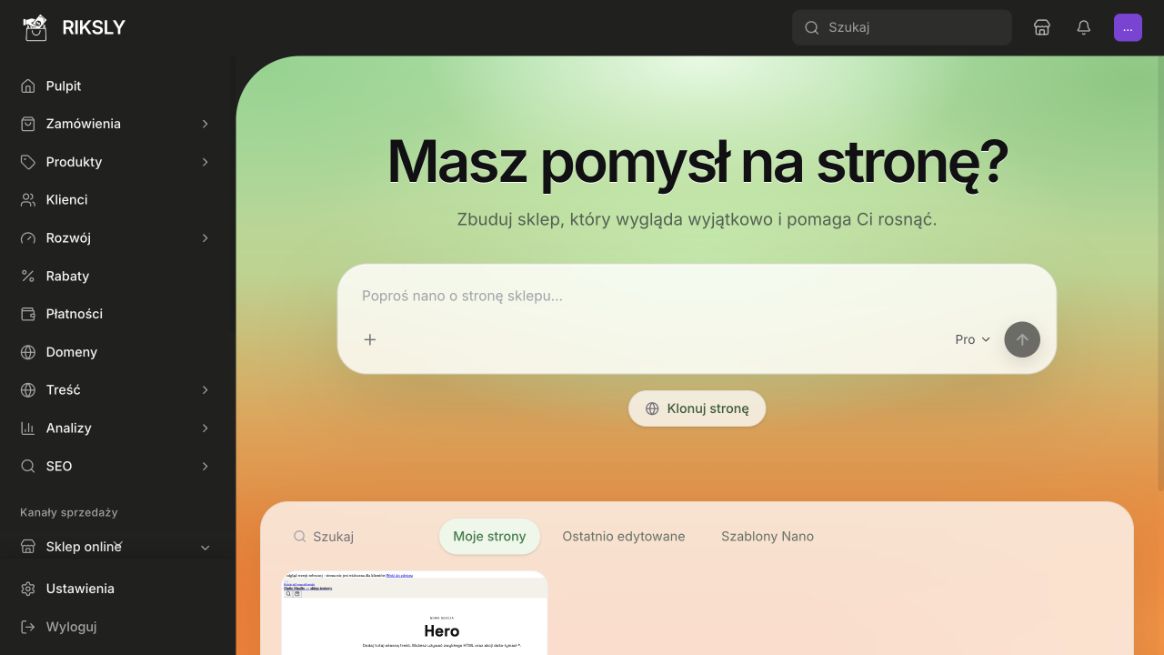
Got an idea for a page?

Ask Nano to change the page…

Build

What Nano can do

  • Create through conversation

    Start from a prompt and shape a full store page.

  • Improve an existing page

    Ask for changes and refine until the preview fits.

  • Normal, Pro, and Max

    Choose how much AI power you want for the job.

  • Themes and ready starters

    Begin from a theme or imported shop, then customize.

  • Import from a URL

    Paste a page address and use its HTML and CSS as a starting point.

  • Products and cart stay connected

    Design the look - Riksly still powers catalog and cart actions.
Two ways to build a page

Classic editor

Classic editor

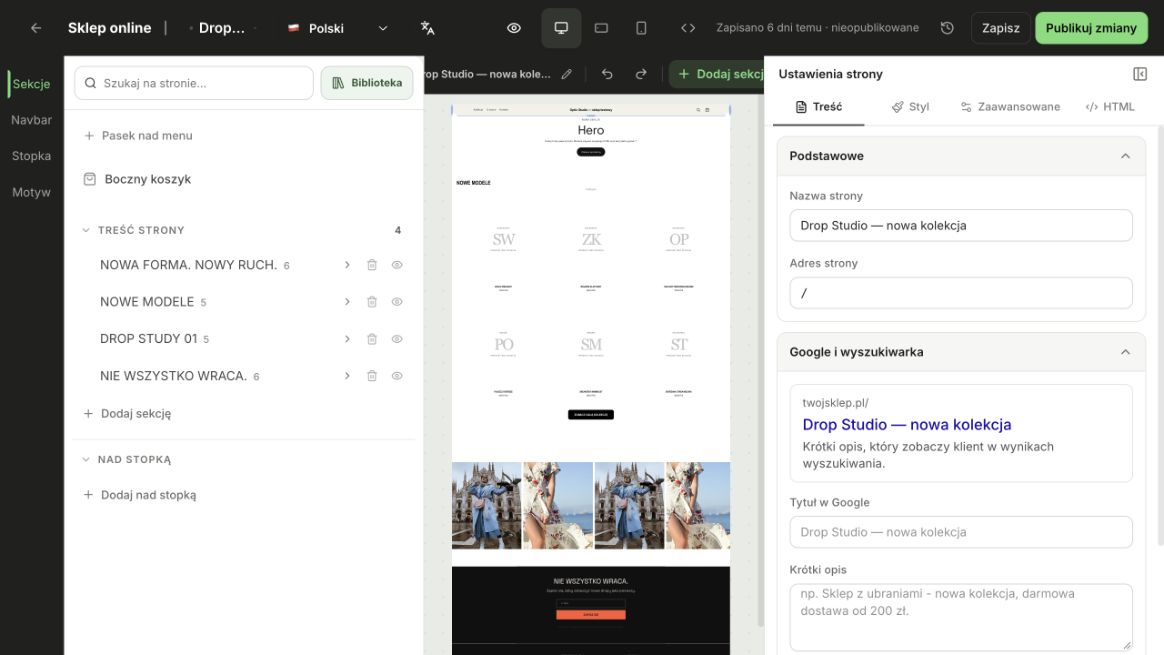
  • Build from sections and blocks
  • Full control, section by section
Nano AI

Nano AI

  • Describe the outcome in chat
  • AI creates or improves the whole page

Both stay available - pick the approach that fits the page.

Start from a theme or a URL

Pick a theme or ready-made shop, then ask Nano to reshape it for your brand.

URL as a starting point

Paste a page URL - Nano can import its HTML and CSS as a starting point. Scripts and full interactivity are not copied.

Page URL

https://example.com/shop
Imported layout seed

Start creating with Nano AI

Create a Riksly store - Nano is in the dashboard, ready when you are.

Create your storeSee plans and AI limits